
Course Sync v1.04 Update: New Features & Bug Fixes

Updated: Feb 12
We are thrilled to introduce version 1.04 of your favorite Assignment Tracker app, Course Sync! This update is all about making assignment management simpler and more dependable. Whether you are a high school student juggling several classes or a college student balancing multiple projects, this update is crafted to meet your needs effectively.
What’s the New Course Sync update v1.04?
Light/Dark Mode Fix
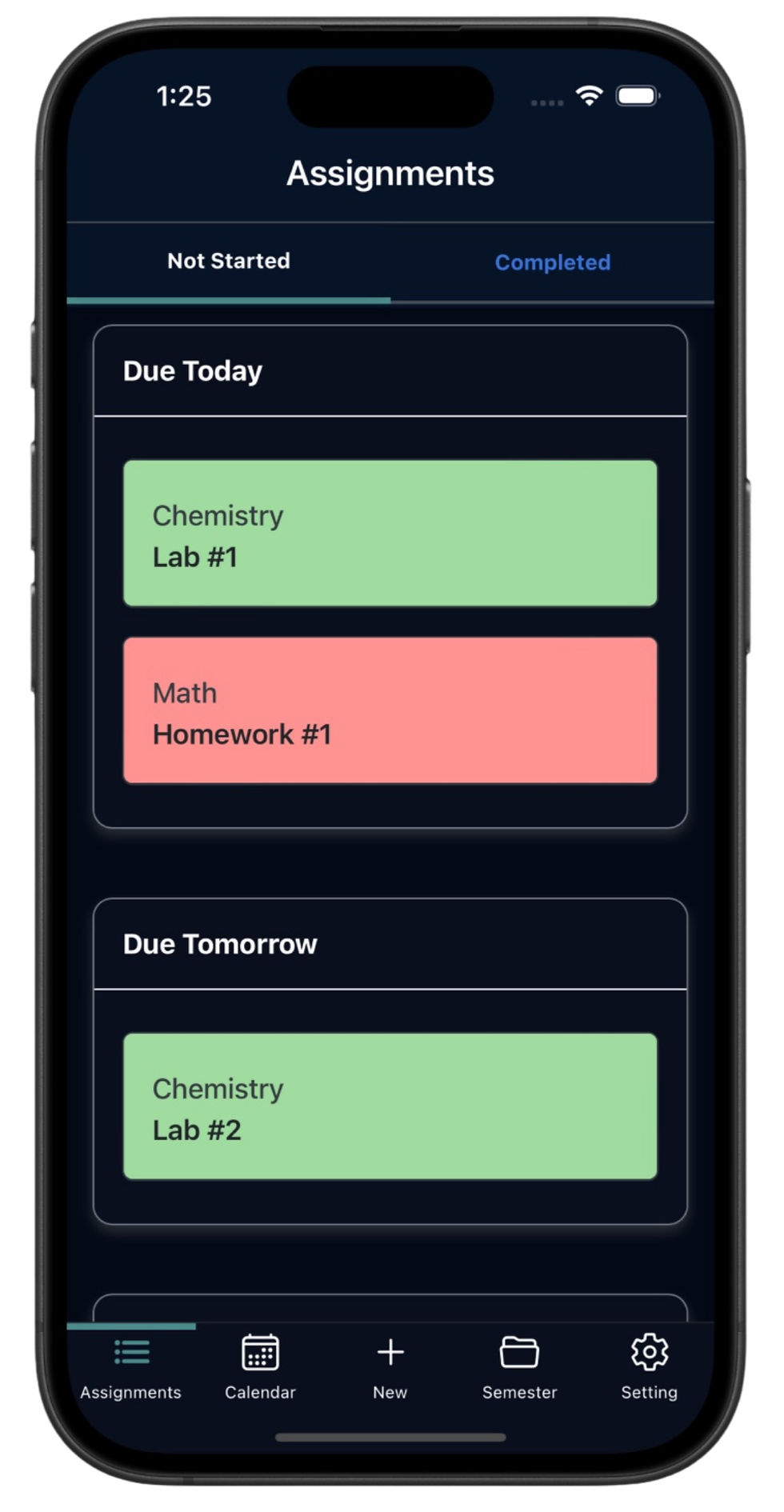
A notable improvement in this version is the correction of the light/dark mode feature. There was a problem with the time selection in the assignment due date pop-up when using light mode.
Bug Fixes
We have resolved several annoying bugs that impacted your user experience. These fixes are vital for enhancing the app's overall performance. With these updates, you can expect a smoother, interruption-free experience in managing your assignments.
Revamped Sign In & Sign Out Flow
We’ve reworked the sign in and sign up process to be more seamless and intuitive. This update improves the overall usability, so signing in, up and out feels effortless and dependable.
Design Improvements
You’ll also notice small but meaningful design changes throughout the app. These refinements clean up the interface and improve consistency, making Course Sync feel even easier to use day to day.
Last Update v1.03
If you missed the last update, here’s a quick recap of version 1.03:
Improved Assignment Due Date and Status Displays: We made significant changes to how assignment due dates and statuses are displayed. This upgrade ensures you can effectively manage your time.
Fixed a Bug with the “Delete Assignment” Button: Some users encountered difficulties when trying to delete assignments. This issue has been resolved, making task management seamless.
Additional Bug Fixes and UI Polish: We also made several minor adjustments to enhance the user interface, ensuring it’s not just functional but also user-friendly.
These updates aim to boost your productivity, making the assignment tracking process as straightforward as possible.
How to Update
Updating your app is a breeze! Simply go to the App Store, search for "Course Sync", and click on the update button. After updating to version 1.04, you will gain immediate access to the new features and enhancements.
Keeping your app updated is essential. It ensures you benefit from the latest features and necessary bug fixes that improve your overall experience.
Your Feedback Matters!
We genuinely appreciate your input! Whether you love the latest update or have suggestions for future improvements, please leave us a review or reach out via our Contact Page. Your feedback is vital in helping us create a better assignment tracking experience tailored to your homework needs.
Thank you for being an integral part of our community and for contributing to the improvement of the Course Sync.
— Course Sync Team


Comments